How Strong is Your Password?
by Jim Rebenar, CPA, Audit Partner
Posted on February 16, 2022
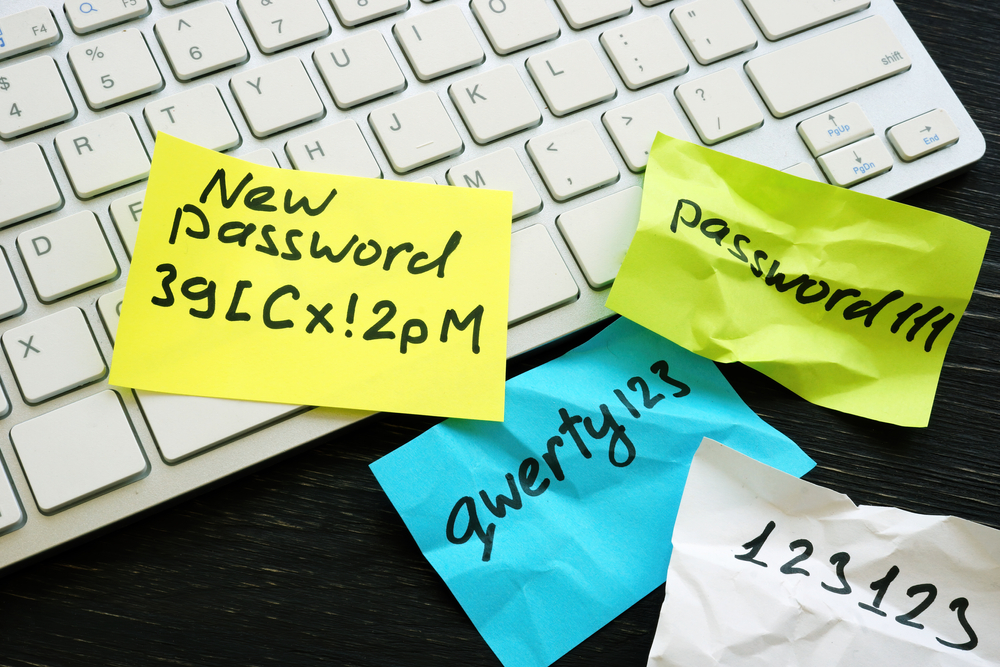
 Let’s begin with a question. Which tactic do you use to “remember” your most important passwords?
- Write them down on a post-it and hide it at your desk.
- No need to remember, just keep trying different combinations of your kid’s names/birthdays and hope you don’t get locked out.
- Memorization – your mind is a steel trap which you can access like a hard drive.
Unless you are fortunate enough to have answered C, it is possible that the password requirements at your organization may be getting a little too complex.
According to a special publication on digital identity guidelines issued by the National Institute of Standards and Technology (NIST), heightening password complexity requirements appear to have a greater impact on reducing usability and memorability than they do in preventing unauthorized password breaches. Often times when users are asked to follow what they perceive as overly complicated composition rules, they respond by creating very predictable passwords (such as “Password1!” if required to include an uppercase letter, number and symbol). These commonly used passwords are much more vulnerable to attacks. In addition, excessively complex passwords are more likely to be written down and stored in a less than secure location.
So what can we do to increase password strength without sacrificing memorability? It has been shown that the length of a password can play a very important role in adding strength. Anything shorter than eight characters is not recommended and subject to “brute force attacks”. This is where attackers use a large number of possible key permutations to gain access. Although the minimum suggested password length is eight characters, a strong password should utilize at least 15 characters. One method to reach this length without reducing password memorability is to use a pass phrase rather than a single word.
Another way to help limit the creation of weak passwords is to create a blacklist of forbidden passwords that may otherwise meet your organization’s length and complexity requirements. This blacklist should include dictionary words, known passwords recovered from past breaches, and other commonly used names. This helps to protect from “dictionary attacks”, which utilize pre-arranged lists consisting of words found in the dictionary as well as common variations and passwords from previous data breaches.
In addition to increasing password strength, attempts by an attacker to guess a password can be effectively limited by restricting the amount of login attempts allowed. The key here is to allow the user enough tries so they aren’t locked out for mistyping their password, but also block any unauthorized users from the opportunity to make a successful guess. Common practice is to limit attempts somewhere in the five to ten range.
Lastly, system access can also be strengthened by using multifactor authentication tokens, smartcards, biometrics, or some combination thereof to authenticate user identities.
By using strong passwords combined with login limits, we can help protect our information systems and data from falling into the wrong hands. Remember, avoid using common passwords or dictionary words; the longer the password, or pass phrase, the better; and please, throw away that piece of scrap paper in your drawer used for writing down passwords.
For a print-ready version of this article: Click here